Konqueror

Konqueror is a web browser, file manager and document viewer that used to be at the heart of the KDE desktop environment. It has been neglected and unmaintained for years as of 2020 (a bit like this website's MediaWiki software, which looks like a Wikipedia page from 2013). It is practically useless as a web browser, alright as a file manager and kind of pointless as a document viewer.
The Web Browser[edit]
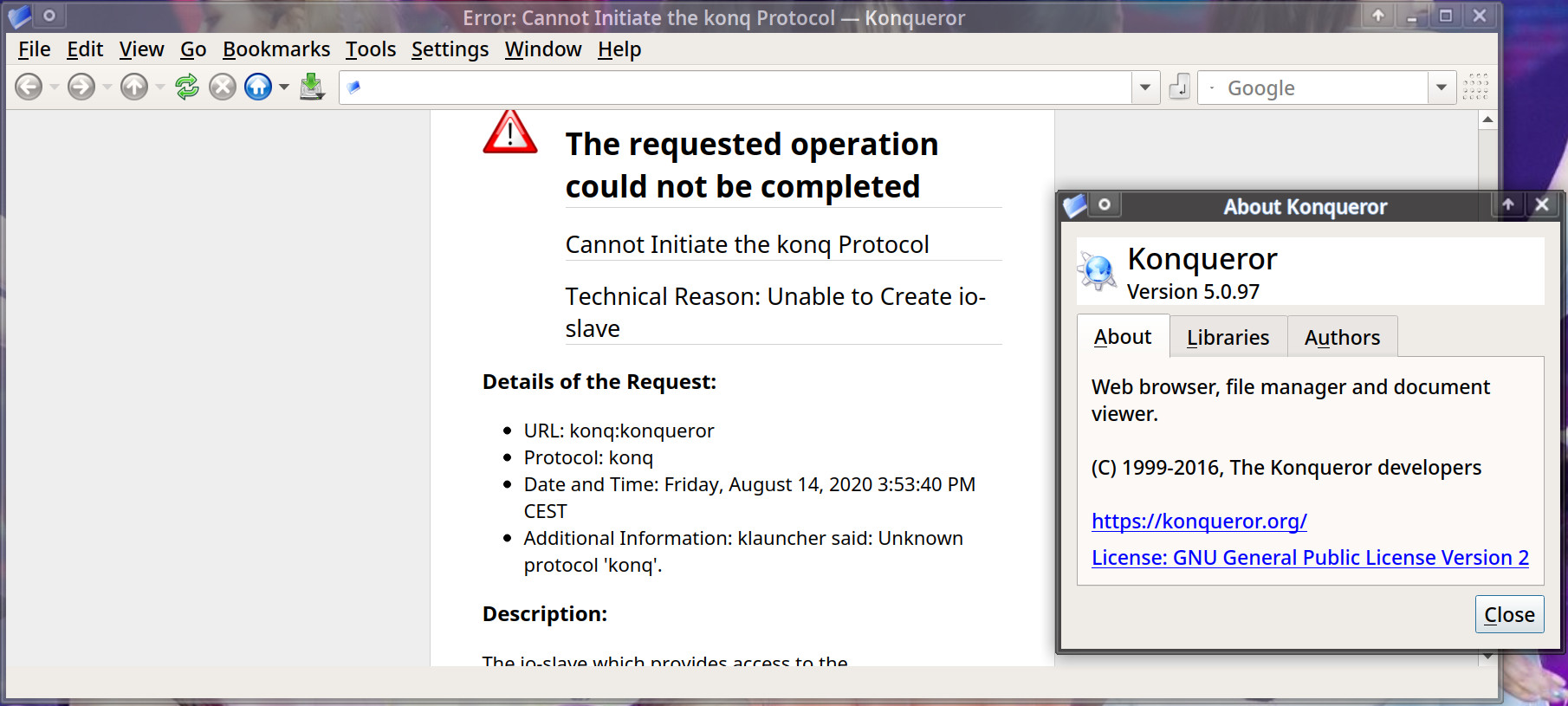
What you get when you launch Konqueror v5.0.97 (KDE 5.19.4). A program greeting you with "The requested operation could not be completed" is never a good sign.
Konqueror is, as of version 5.0.97 using KDE Frameworks 5.73.0, a horrible web browser.
Konqueror can use three different page rendering engines:
- WebKit, the default rendering engine
- KHTML, the rendering engine Apple forked into WebKit, which Google in turn was forked into the Blink rendering engine used by all Chromium-based web browsers,
- QtWebEngine, Qt5 provided Blink/V8 (Chromium)
Browsing few random pages with the WebKit rendering engine is enough to make Konqueror hang. It can show a simple pages just fine. Visiting a few larger sites with complex JavaScript is enough to make it hang.
Konqueror will not even render most pages if KHTML is chosen has rendering engine. Most pages will stall at 25% or 33% trying to load the page.
Konqueror will also stall and freeze trying to load a lot of pages when the QtWebEngine rendering engine is used.
There's a lot more we could say about Konquerors web browser functionality. It does have some "features". We won't go into those because it has no practical use as web browser, it simply can't be used for more than 5 minutes without hanging.
The filemanager[edit]
Konqueror is a powerful file manager with one unique feature: It can preview most file types using a broad variety of KDE frameworks kpart viewers. It be used to view .pdf files, images, text files and a lot of other file types.
Konqeruror supports split windows, tabs and a lot more. It is totally fine as a file manager. It is not as efficient as GNU Midnight Commander or plain cp/mv in a shell if you need to quickly move a lot of files around but it is very good if a GUI file manager is what you are looking for.
There are some rough edges. The KDE team have mainly focused on the "pure" file manager Dolphin the last 10+ years. Dolphin is in many ways more polished than Konqueror, it shows that Dolphin has seen active development while Konqueror has not.
Konqueror can open and preview most files, and that is a strength. Yet it seems a bit pointless, opening a .pdf file inside Konqueror using the okular kpart is not very superior to opening that .pdf file in Okular directly.
Verdict and Conclusion[edit]
Konqueror used to be the de-facto KDE file manager in the days when KDE 3.x was the latest and greatest KDE version. It was never a great web browser compared to Mozilla Firefox and other browsers that were common at the time. That has not improved over time, quite the opposite: Konqueror feels like a worse and less stable web browser today and it did in 2008. It can't show very complex web pages without hanging or freezing which makes it useless.
Konqueror is an alright file manager and it has interesting features like the ability to preview just about every file type. But there isn't anything that gives it a huge advantage over the KDE-"approved" Dolphin file manager. Dolphin is actively maintained, Konqueror is neglected, so Dolphin is a better choice if you want a to use a KDE-style file manager.
Links[edit]
Konqueror has a homepage at kde.org/applications/internet/org.kde.konqueror.

Enable comment auto-refresher