Wine
 | |
 Wine 6.7 failing to run the PC scene demo For Your Love by Andromeda Software Development because "unimplemented function". "For Your Love" won 2nd place at the Assembly 2018 PC demo competition. | |
| Original author(s) | Bob Amstadt, Eric Youngdale |
|---|---|
| Developer(s) | The Codeweavers Corporation |
| Initial release | July 4, 1993 |
| Repository | source.winehq.org/git/wine.git |
| Written in | C |
| Operating system | GNU/Linux, macOS, ReactOS |
| License | GNU Lesser General Public License |
| Website | www.winehq.org |

Wine Is Not an Emulator, it is a complete re-implementation of the Windows APIs using standard POSIX calls. Wine makes it possible to run a lot of software for Microsoft Windows operating systems on machines with GNU/Linux, i86-64 based macOS and *BSD. It is far from perfect, compatibility is a hit-or-miss even with the latest Wine development version as of April 2021. A whole lot of software, including games, does work just fine with it and it is more likely than not that well-known games and applications work fine with Wine.
Lesser-known games, scene demos and applications are less likely to run perfectly in Wine than well-known and common Wine applications.
Wine comes with a DirectX 9 to 11 to OpenGL translation layer capable of rendering most DirectX games and software without major issues. However, it is kind of slow. There is an alternative DX9-11 implementation called DXVK available that can be used with Wine which is much, much faster.
Wine is free software under the GNU LGPL license and it is in theory a community software project. It is, in practice, developed and controlled by the Codeweavers Corporation who contributes 99% of all commits to any given WIne release.
Performance[edit]
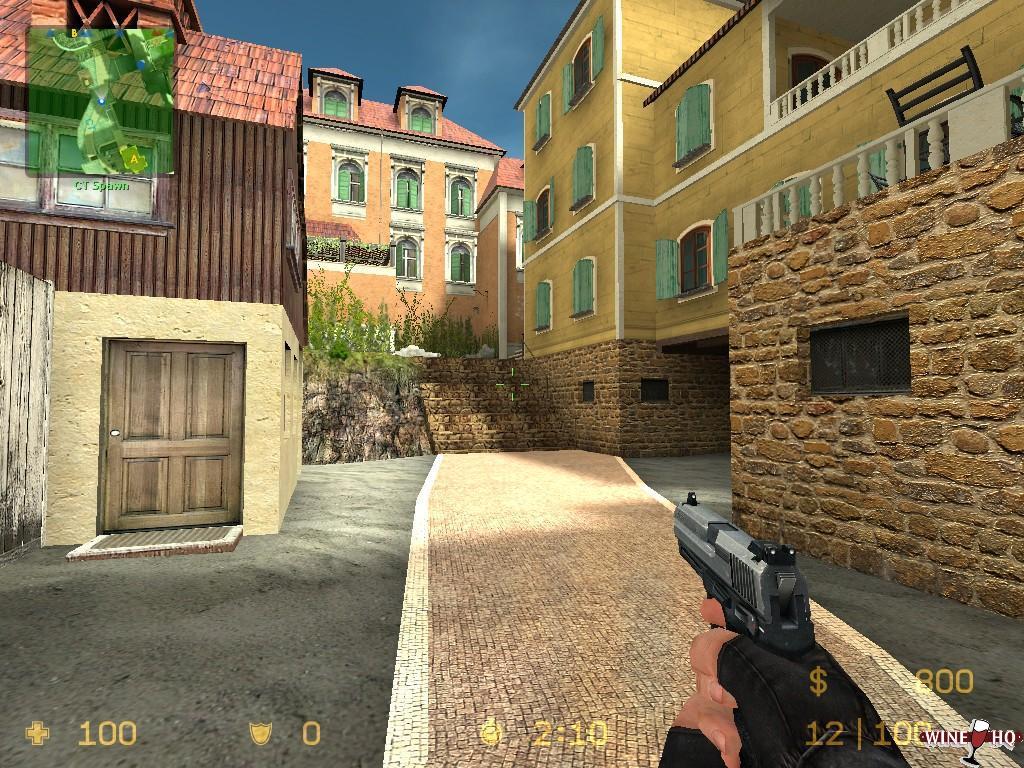
A Windows game running on Linux using Wine.
Wine is a free software licensed API implementation of the common Windows APIs used by software meant for the Microsoft Windows operating systems. This means that software written for Windows can run faster with Wine than they do on Windows - or slower, it depends on how the Windows APIs used by a given piece of software were implemented.
Graphics-heavy software will generally run slower with Wine for one simple reason: The DirectX 9 to 11 graphics APIs are not implemented on a driver-level, they are implemented by translating DirectX calls to OpenGL. This has a performance-penalty. There is an optional alternative implementation called DXVK that translates DX9-11 calls to Vulkan. It is faster than the DX9-11 to OpenGL translation layer built into Wine, but it is still slower than native DX9-11 on Windows. Wine will by default use the vkd3d DX12 translation layer library for DX12. It translates to Vulkan, so DXVK does not provide, or need to provide, any alternative DX12 support.
Software Compatibility[edit]
The first Wine version was released all the way back in July 1993. It is a very old project.
It took more than a decade from it's release to the point where it would run most commonly used Windows software without major problems. That is still where it is at, most commonly used Windows software will work with it. But there are exceptions. Fewer games work fine with it compared to regular applications, and even fewer scene demos work with Wine. You can assume that roughly 7 of 10 games work fine in Wine, and perhaps 4 of 10 scene demos will work fine with it.
It is more likely that older Windows software will work with Wine than it is that a brand new game will run perfectly in it.
Many newer Windows programs, specially the very latest versions of more advanced programs, will have some issues. The Wine website offers at "Wine Application Database" at appdb.winehq.org. That database lists a lot of software and there's version-specific ratings for each application which indicate how well they run under Wine. For example, if you look up photoshop in the Wine Application Database you will find that version 16 ("2015") has a "Gold" rating, 19.0 ("CC 2018") has a "Silver" rating and version 20.0 (2019) has a "Garbage" rating. This means that you should avoid Photoshop version 20 and use one of the older versions if you want to have a good experience using Photoshop in Wine on a GNU/Linux machine.
Do look closely at the Wine version listed if you check the Wine Application Database, it matters. How someone rated a programs compatibility ten years ago says very little about the current Wine versions ability to run that program.
Platform Compatibility[edit]
Wine does not emulate anything. This makes it vastly different from most other software for running not-Linux software on GNU/Linux. DOSBox emulates a complete IBM compatible PC, and the Accurate Amiga Emulation emulator (FS-UAE) emulates a complete Amiga. This means that DOSBox can run on all kinds of hardware, including PowerPC and ARM.
Wine will never make it possible to run Windows binaries for x86 on anything other than x86 hardware, they would essentially have to scrap the project and start over to make it possible to run Windows binaries for x86 on PowerPC hardware.
Alternative Implementations[edit]
For DirectX 9-11: DXVK[edit]
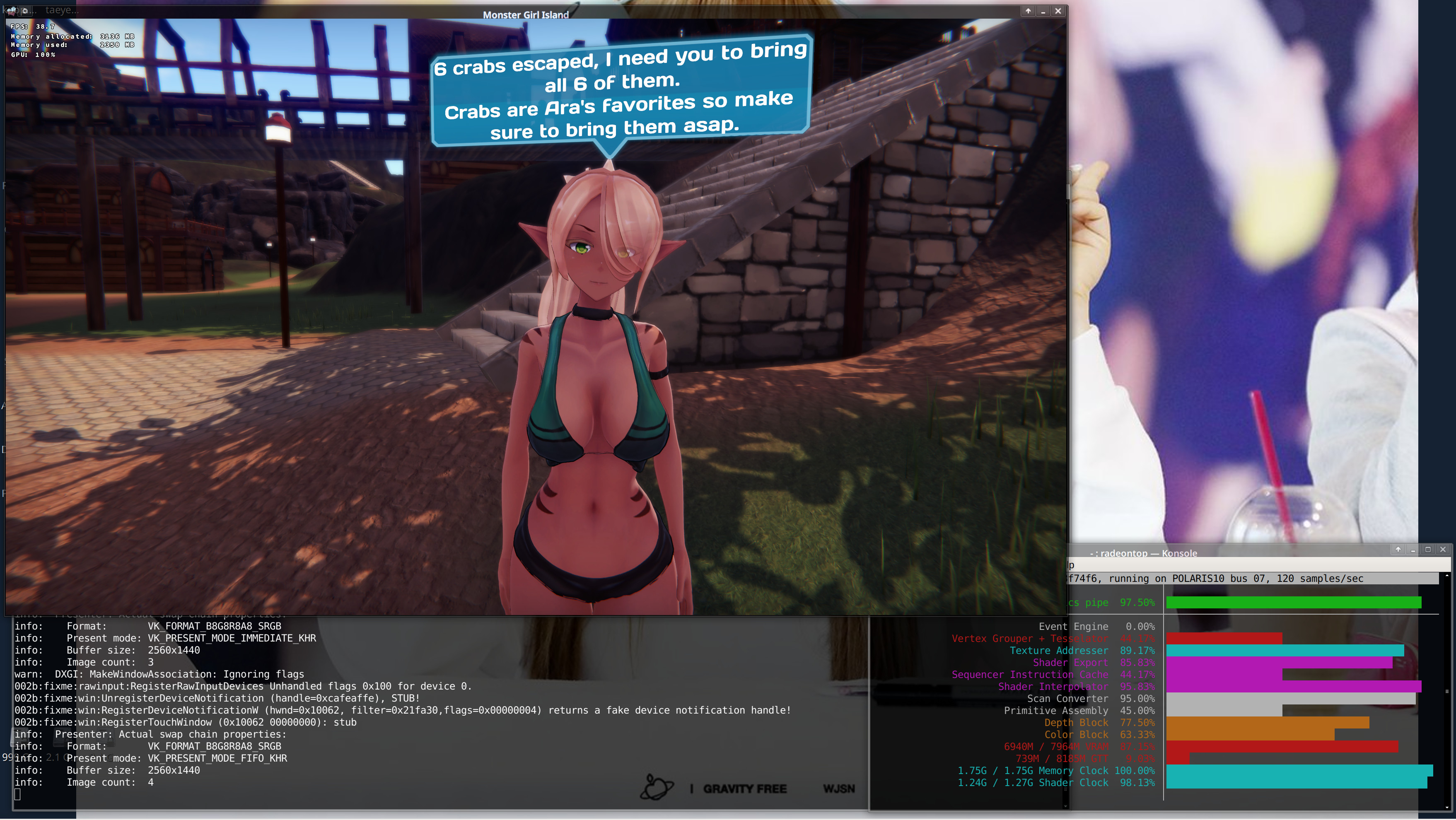
The Windows-game "Monster Girl Island" running under WINE with DXVK for 3D rendering.
DXVK, available from the "Releases" page at github.com/doitsujin/dxvk, is an alternative DirectX9-11 implementation that translates DX9-11 calls to Vulkan. We did some tests of DXVK 1.8 vs Wine's built-in DX9-11 OpenGL translation layer in March 2021:
What we found is that:
- DXVK is signifficantly faster in most games and benchmarks using DirectX 9 to 11
- DXVK is a lot more compatible with software using DX9-11. There are games that have graphical glitches with Wine's built-in DX9-11 to OpenGL translation layer that work fine with DXVK.
There may be games that work better with Wine's built-in DX9-11 to OpenGL translation layer. There are none that we are aware of, but they could exists. DXVK is, in general, much faster and much more compatible with DX9-11 software and we strongly recommend using it if you want to run Windows games with Wine.
DXVK comes with it's own built-in heads up display. It can be used to show frame-count and other information on an overlay by starting games with the DXVK_HUD=1 variable set (DXVK_HUD=1 wine game.exe).
The DXVK built-in HUD is fine for a basic FPS display, but it isn't as feature-rich as MangoHud or the Mesa built-in heads-up display for Vulkan.
See DXVK#Heads-up Display for more details.
See DXVK#Installation for installation instructions using distribution packages, release tarballs or the git source tree.
Gallium Nine[edit]
Gallium Nine is a work-in-progress native Direct3D 9 implementation for Linux. It is developed in a joint cooperation between Mesa and Wine. It has the potential to be much faster than both the DXVK and Wine translation layers. It is currently not anywhere near a state where it is practically usable.
Gallium Nine is a interesting project to follow, and it could eventually become the obvious choice for running DirectX 9 applications with Wine on GNU/Linux.
Alternative Versions[edit]
"Proton" (or "Steam Play")[edit]

The Valve corporation maintains a special Wine version they call "Proton", or "Steam Play", intended to be used with their Steam game store/launcher product.
Proton is not a fork or an alternative Windows implementation, "Proton" is a bundle with a semi-stable version of Wine bundled with DXVK, FAudio, some patches and a few other things. It is essentially what you get if you use the Wine's development branch with DXVK.
Proton is available separately from Steam as a GitHub source code repository at ValveSoftware/Proton. It can be used stand-alone even though it primarily made to be used with the Steam game store and launcher.
"Proton", or "Steam Play" as it is called in the Steam client, can be activated in the Steam client in the settings at ▸ ▸ .
Verdict And Conclusion[edit]
Wine has become really good at running Windows software on GNU/Linux machines since it's creation back in 1993, but there is still much to be desired. Many, perhaps most, Windows applications works fine with it. You will have less luck with Windows applications that are newer than three years old than you will have with those who are older.
A whole lot of Windows games can be played on GNU/Linux by using Wine. That is specially true if you add DXVK on top of it, and you should if you want to play Windows games on GNU/Linux.
Wine is still in a state where it is a bit of a hit-or-miss if a game or program works fine with it or not. That is specially true if you want to run some lesser-known corner-case piece of software such as a demo scene demo.
All that being said: The simple truth is that there are no real advantages to running Windows software on GNU/Linux with Wine. It is always the case that games and things like that will either run with a small performance-penalty, or not run at all.
If you like the GNU/Linux operating systems and you would like to run Windows games on it then you can do that with Wine, and there is a fair chance that the games and applications you like will run as they should. However, if you really like the Windows operating system and Windows software in general then Wine is not something that should make you want to switch to GNU/Linux, it isn't better at running Windows software. GNU/Linux has many other advantages, better Windows-compatibility than Windows just isn't one of them.
Links[edit]
- Wine's homepage is at www.winehq.org.

Enable comment auto-refresher